Free plugins
Instruments and effects for Linux, macOS, and Windows, free and open source.
Current plugins
The newest Dusk Audio plugins, built on the Dusk Audio Framework (DAF). They get new features as well as bug fixes.
-
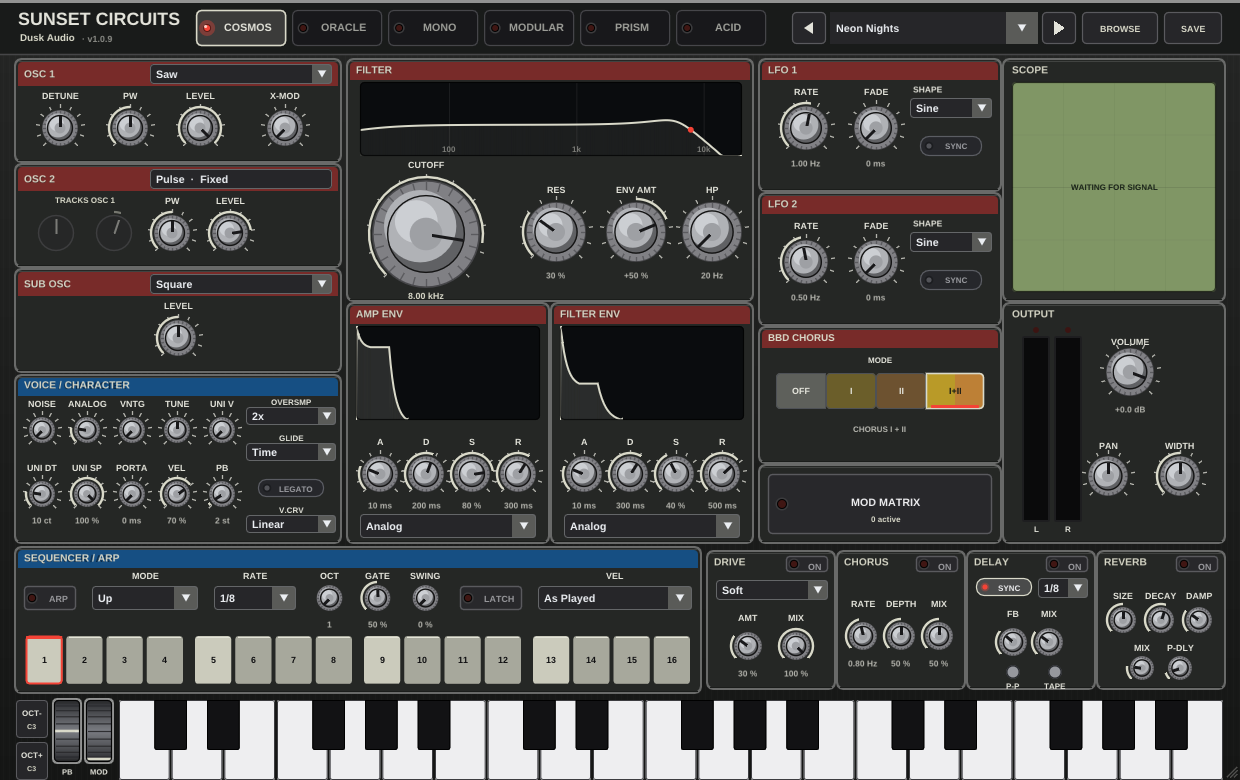
Sunset Circuits
Six vintage synth circuits in one instrument.
Download Sunset Circuits Version 1.0.7
-
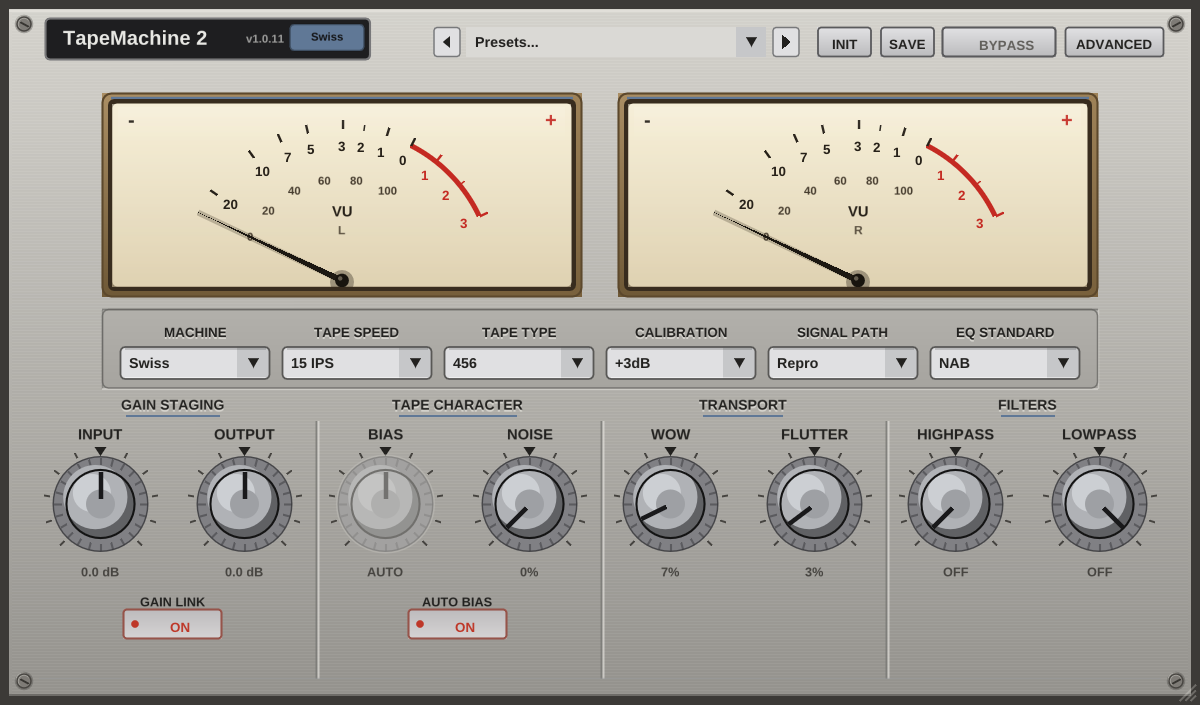
TapeMachine 2
Swiss and American tape machines, with four tape speeds and four formulations.
Download TapeMachine 2 Version 1.0.11
-
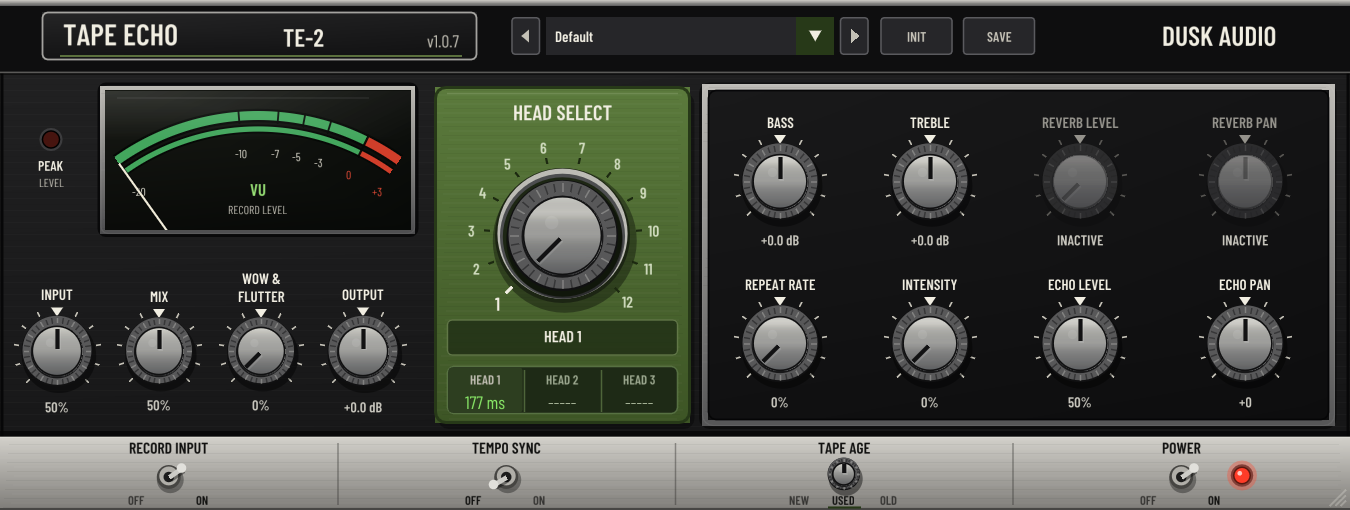
Tape Echo 2
Three-head tape echo and spring reverb, with 12 echo modes.
Download Tape Echo 2 Version 1.0.8
-
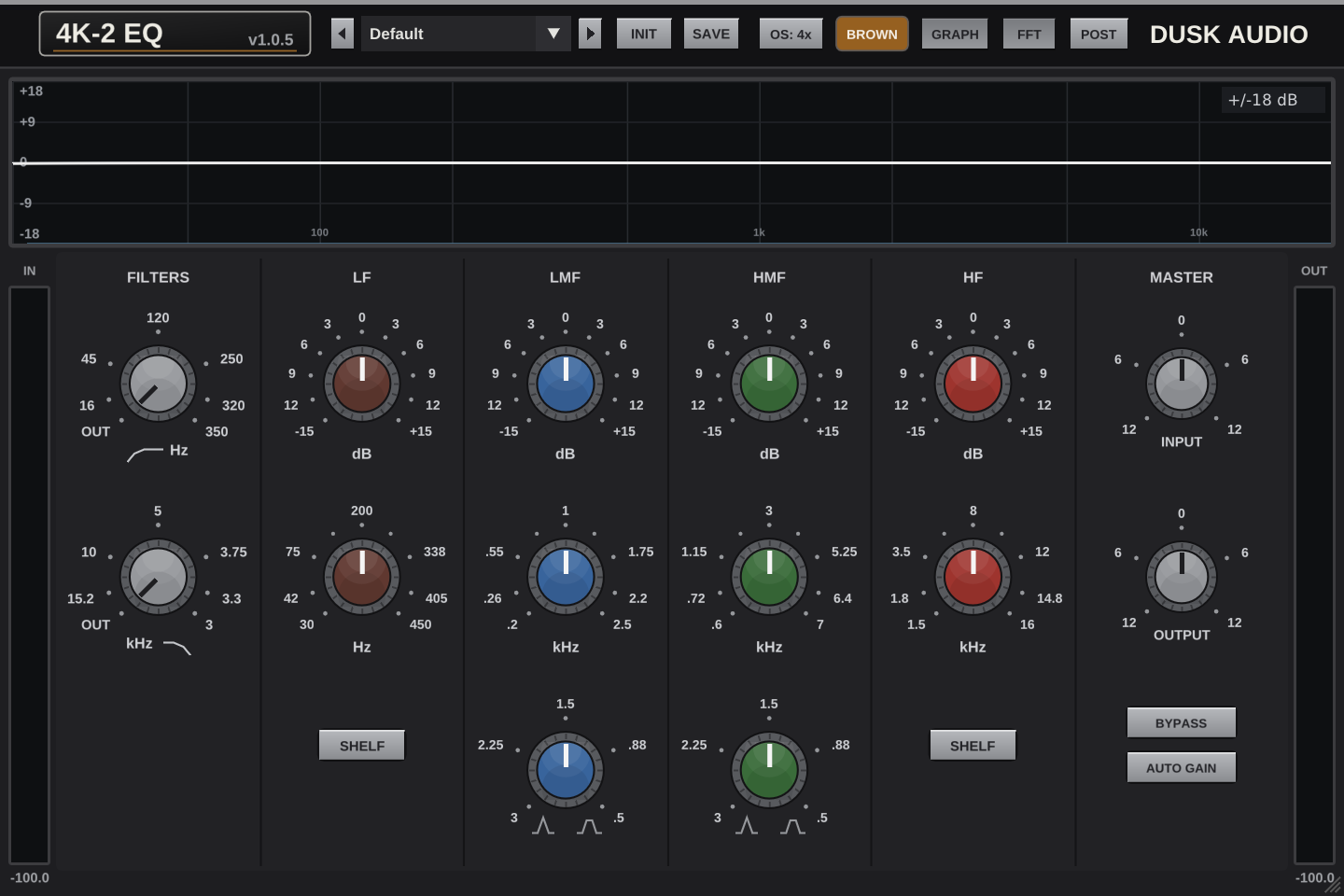
4K EQ 2
British console EQ measured band by band, with Brown and Black voicings.
Download 4K EQ 2 Version 1.0.5
-
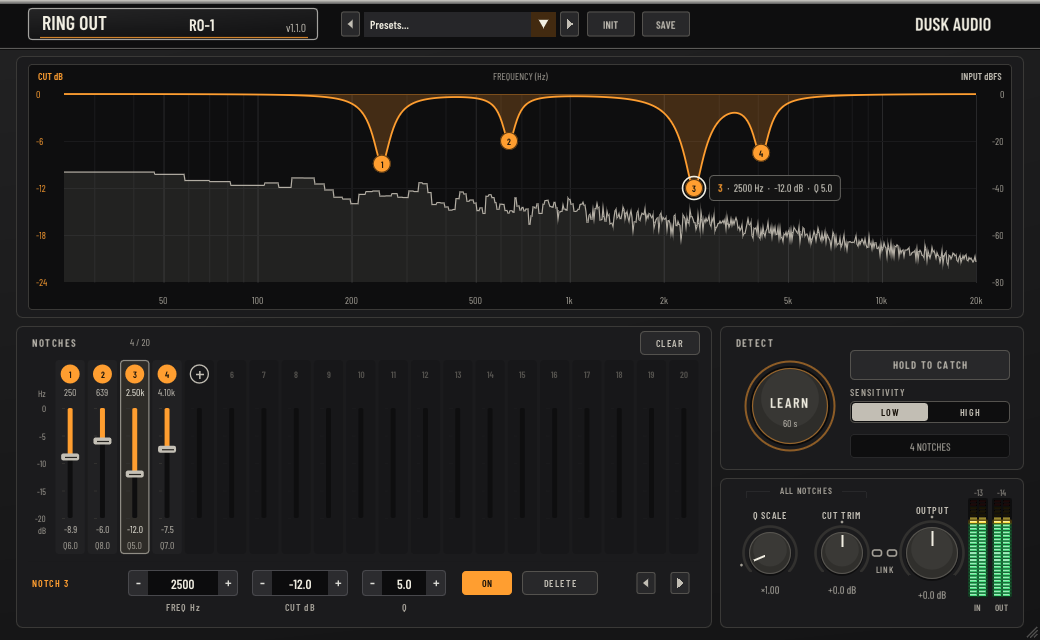
Ring Out
Feedback eliminator for live audio, from wedges and in-ears to the PA.
Download Ring Out Version 1.1.0
Legacy collection
The original JUCE-based Dusk Audio plugins remain free to download. Bug fixes continue; new features and interface development focus on the current generation.
For existing projects, keep the version they were created with. Successor plugins are separate products; preset and session compatibility varies by plugin.
-
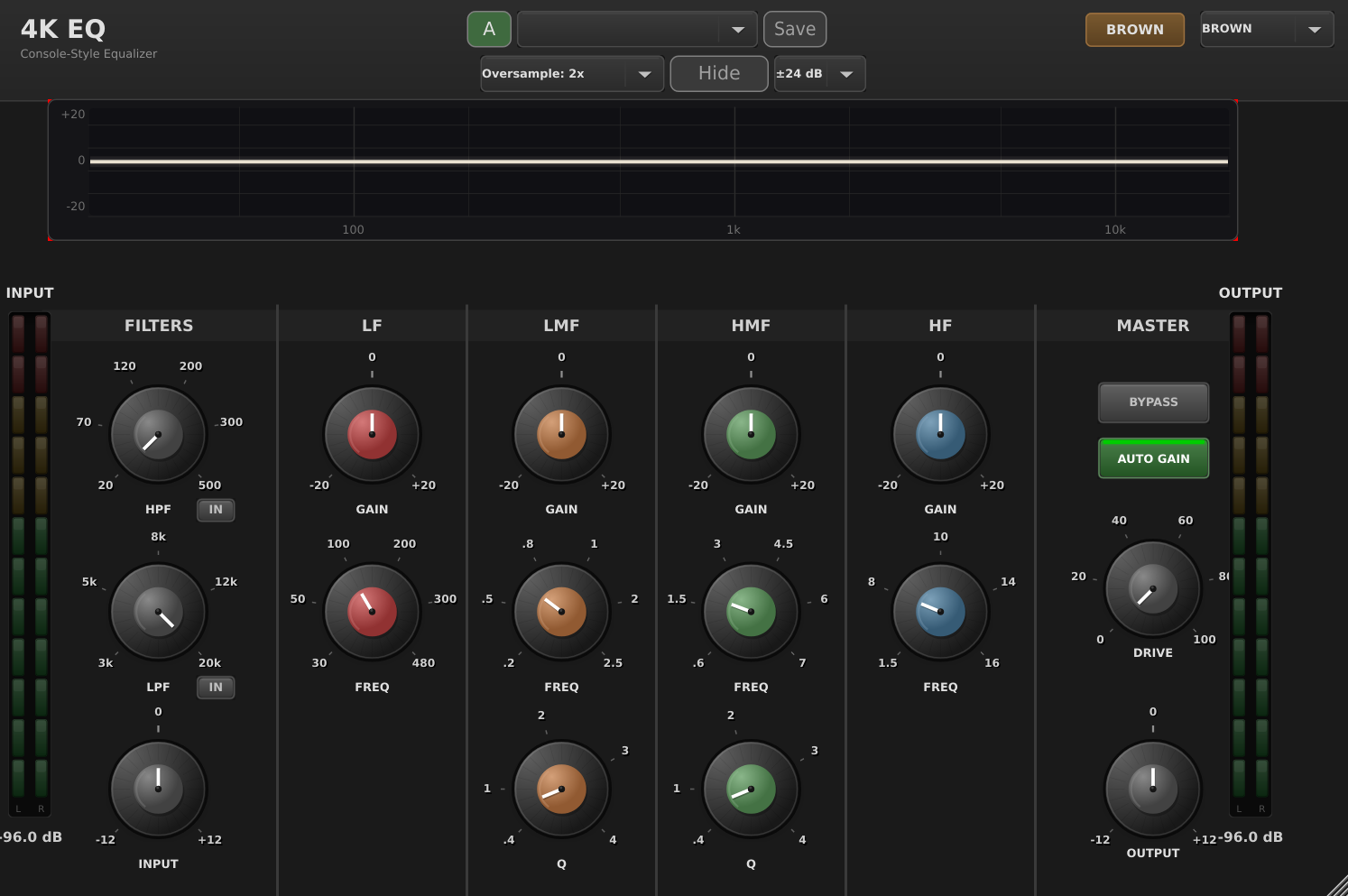
4K-EQ
Classic British console EQ.
Download 4K-EQ Version 1.0.12
-
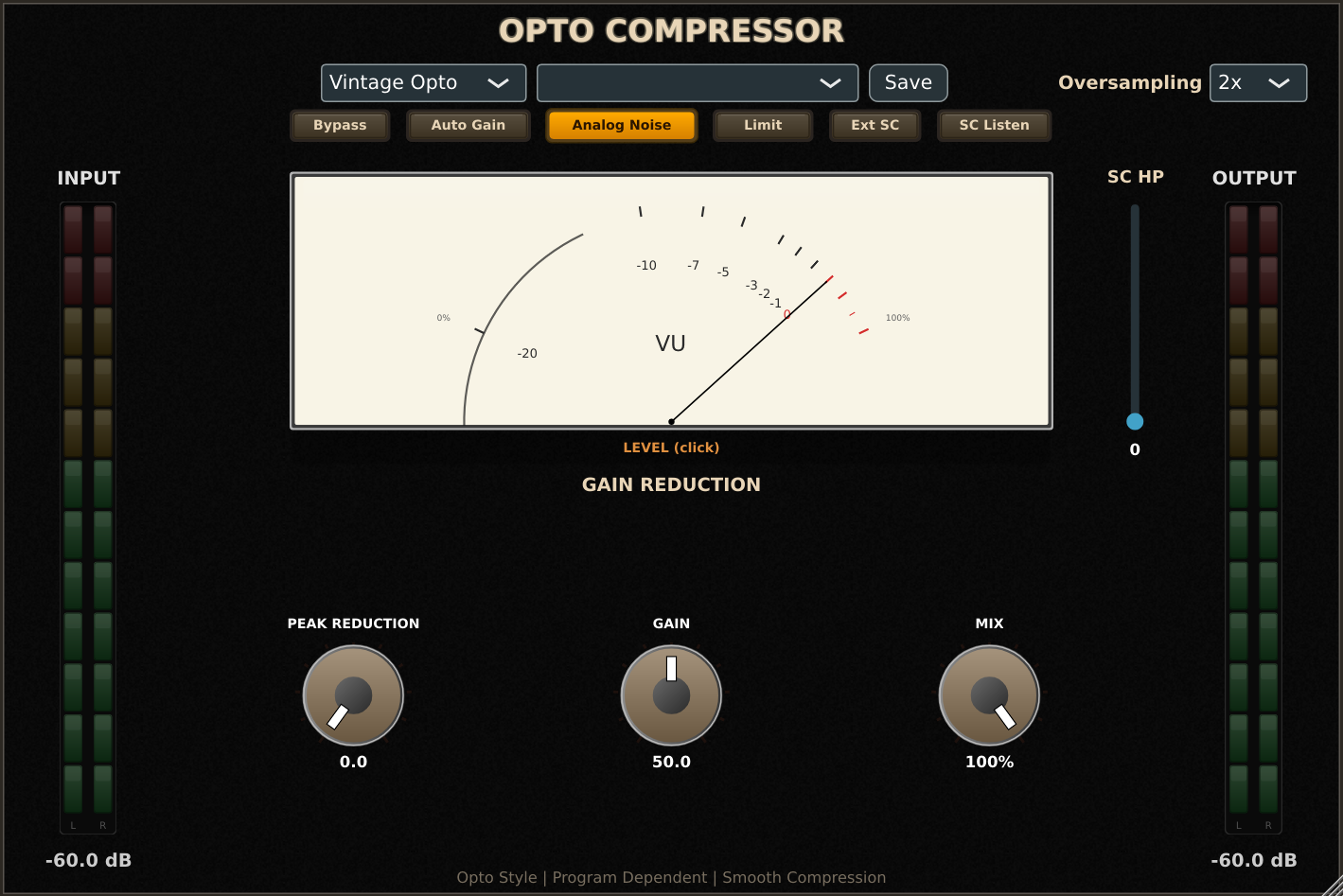
Multi-Comp
Eight compression modes in the original interface.
Download Multi-Comp Version 1.3.8
-
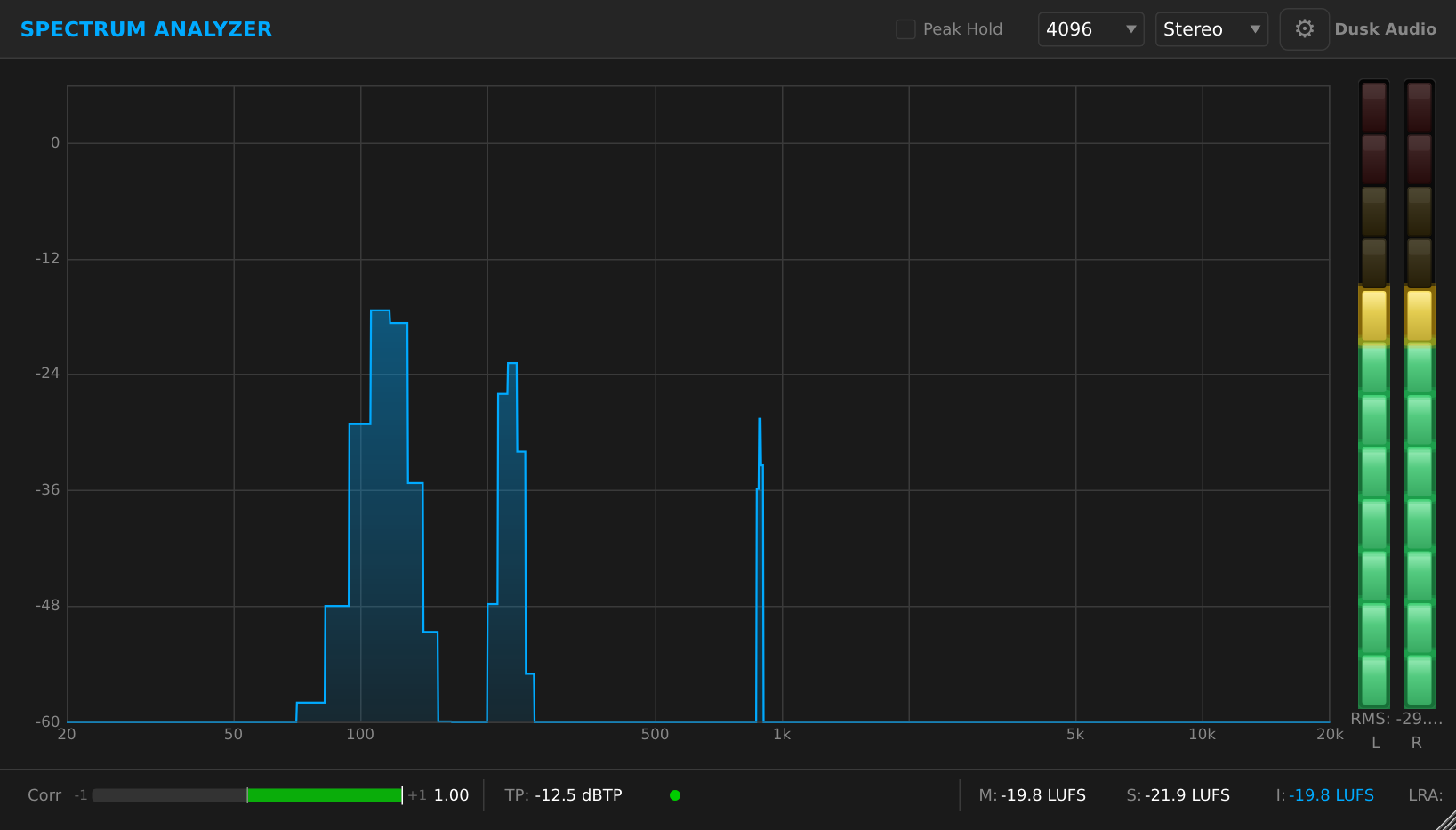
Spectrum Analyzer
FFT spectrum visualization and loudness metering.
Download Spectrum Analyzer Version 1.0.2
-
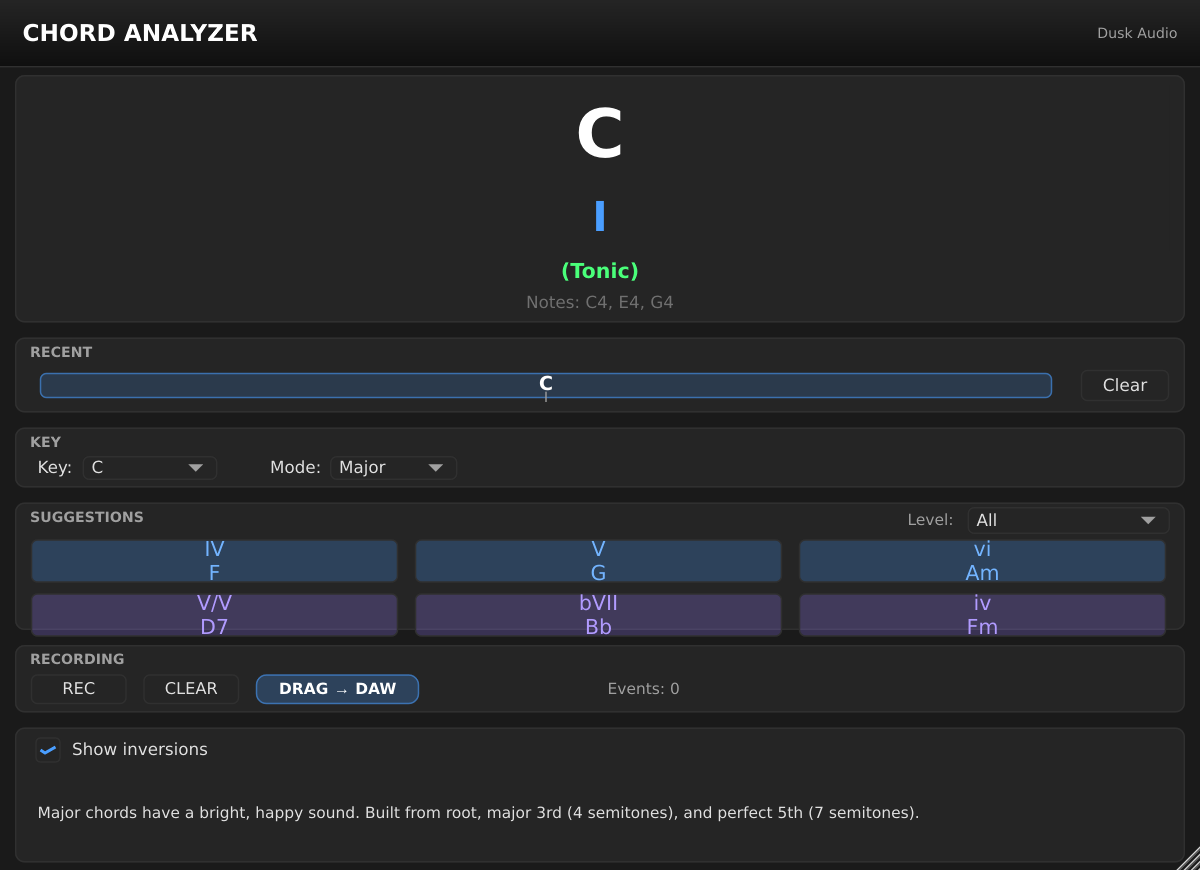
Chord Analyzer
Real-time chord identification for learning and transcription.
Download Chord Analyzer Version 1.3.0
-
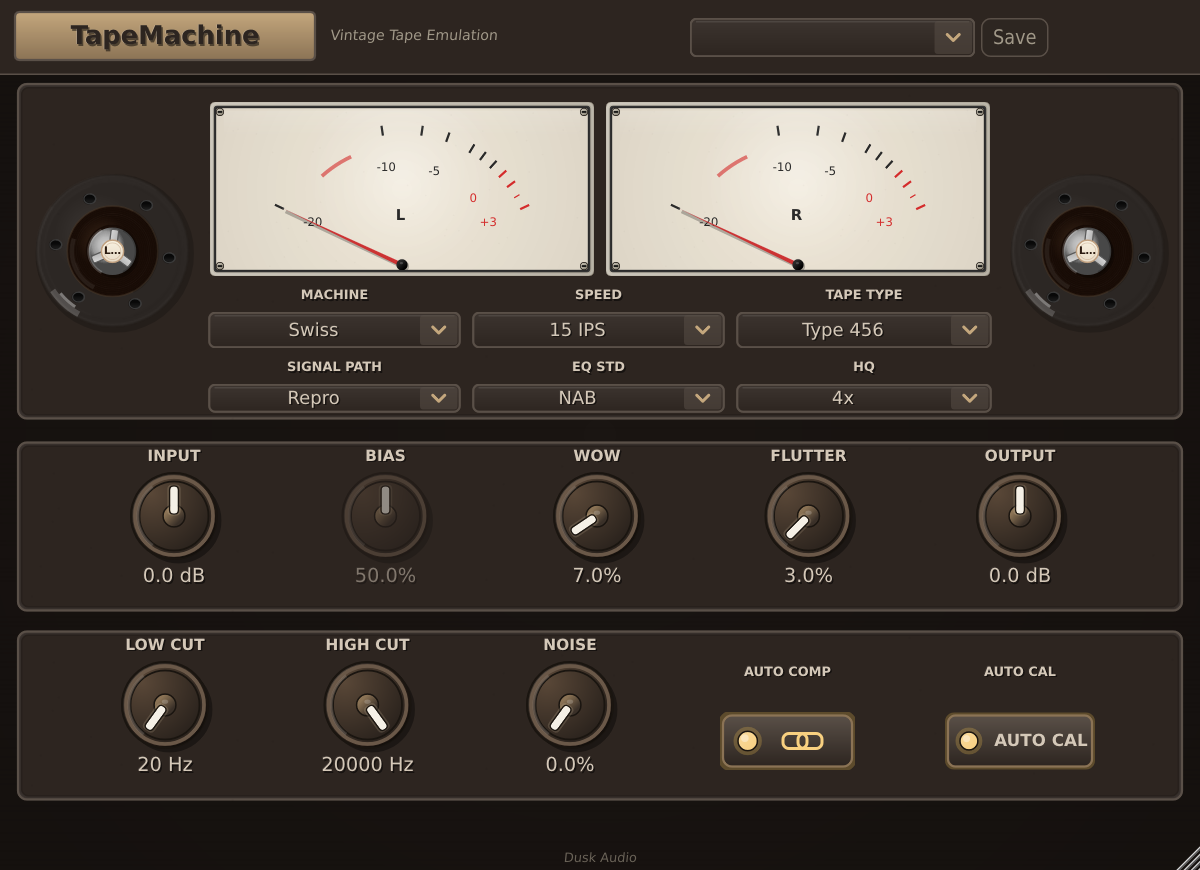
TapeMachine
The original analog tape emulation.
Download TapeMachine Version 1.0.10
-
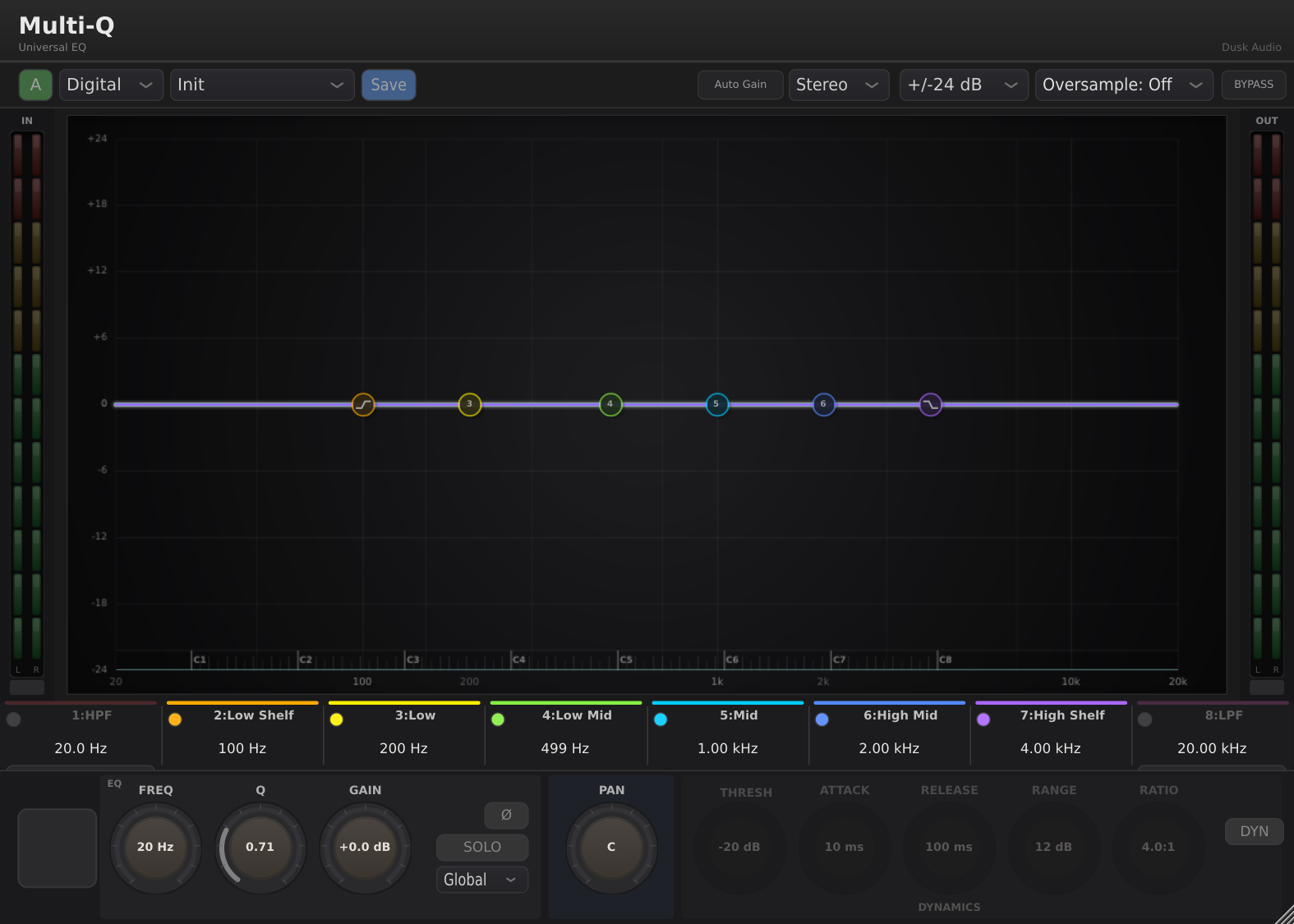
Multi-Q
Digital, British console, and tube EQ in one plugin.
Download Multi-Q Version 0.10.9
-
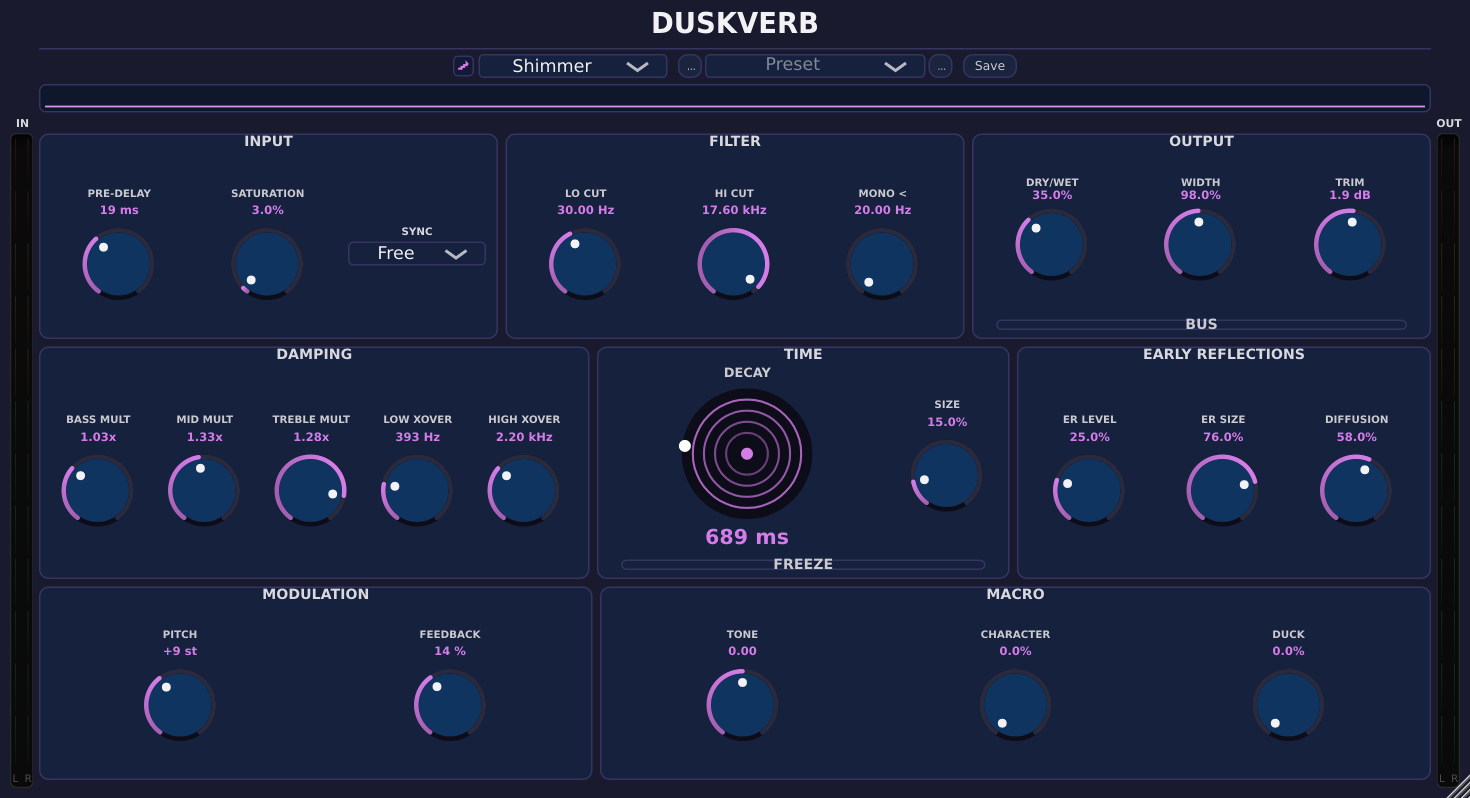
DuskVerb
The original algorithmic reverb collection.
Download DuskVerb Version 0.7.3
In development
These aren't available to download yet.
Groovemind
AI-assisted groove generator
Multi-Q 2
Four-personality EQ with dynamic bands, Match mode, and console color
DuskVerb 2
Algorithmic reverb with a redesigned interface
Multi-Comp 2
Multi-mode compressor with hardware-style faces
Convolution Reverb
IR-based reverb
Installation
Linux builds include x86_64 and arm64. Windows and macOS builds are also available. Formats and requirements vary by plugin; check its product page before downloading.
Plugin installation paths
Plugin installation
Linux
VST3:
~/.vst3/
/usr/lib/vst3/
/usr/local/lib/vst3/
LV2:
~/.lv2/
/usr/lib/lv2/
/usr/local/lib/lv2/
CLAP:
~/.clap/
/usr/lib/clap/
Windows
VST3:
C:\Program Files\Common Files\VST3\
CLAP:
C:\Program Files\Common Files\CLAP\
macOS
VST3:
~/Library/Audio/Plug-Ins/VST3/
/Library/Audio/Plug-Ins/VST3/
AU:
~/Library/Audio/Plug-Ins/Components/
/Library/Audio/Plug-Ins/Components/
CLAP:
~/Library/Audio/Plug-Ins/CLAP/
/Library/Audio/Plug-Ins/CLAP/